Is Your AI Assistant Actually Making You a Worse Developer? The Hidden Skill Erosion Problem
Is relying on Claude Code making you forget how to code? Explore the 2026 developer dilemma of AI skill erosion and learn how atomic skill workflows can turn your AI assistant into a sustainable mentor for deliberate practice.
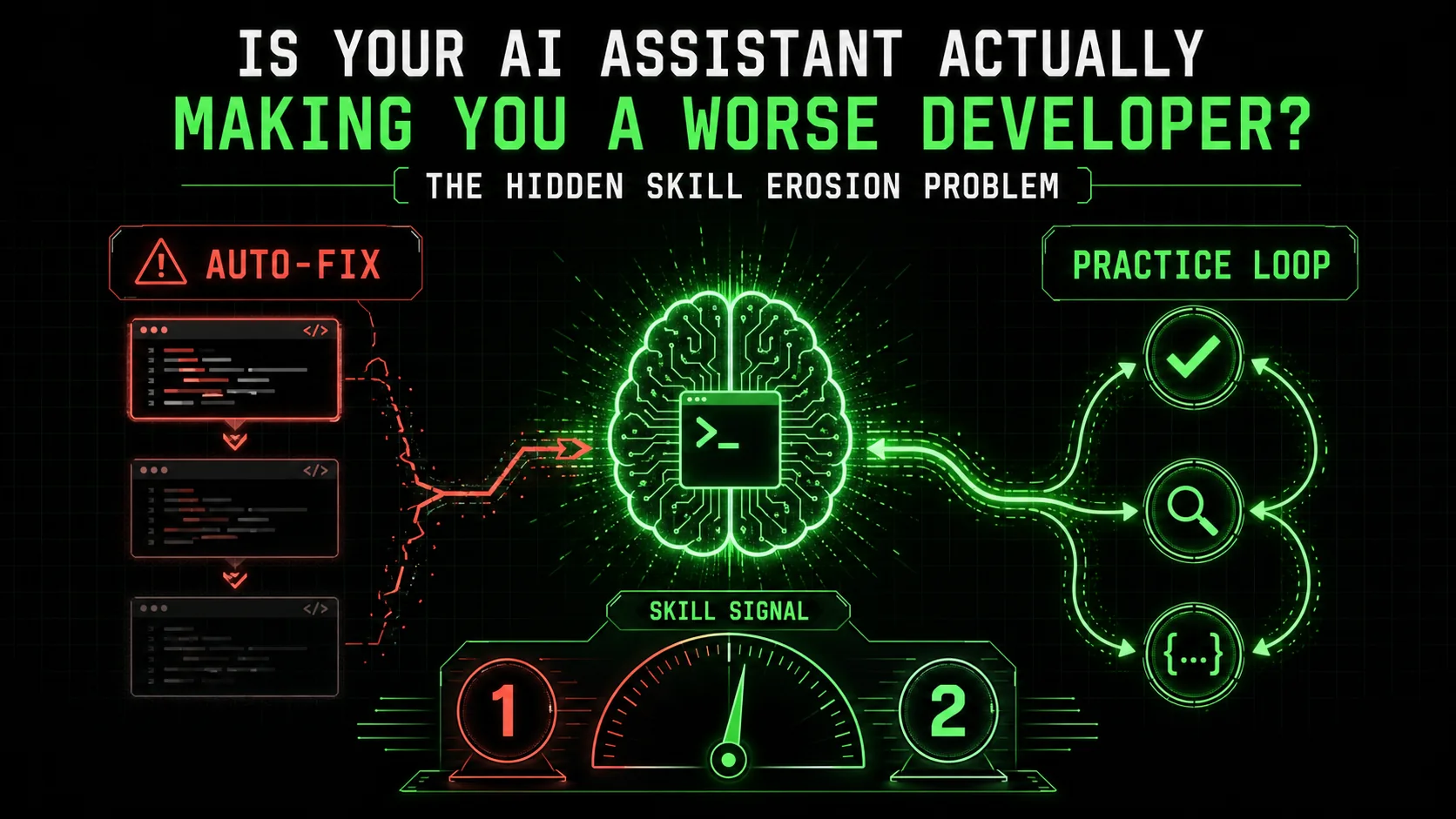
Last week, a senior engineer on my team—someone who could previously debug a distributed system by reading logs like a novel—asked me to walk through a basic race condition in their code. They’d been using Claude Code for six months. “I just ask it to fix things now,” they admitted. “I’m not sure I remember how to trace the thread execution myself.”
This wasn't an isolated incident. Across Hacker News threads and private Slack channels in early 2026, a quiet anxiety is spreading. Developers are shipping more code than ever, but a nagging feeling persists: Are we getting better, or are we just getting better at delegating?
The latest Anthropic Claude 3.7 Sonnet update promises even more autonomous coding capabilities. The promise is undeniable: unprecedented productivity. The hidden cost, however, might be our own competence. This is the developer’s dilemma of 2026—the tension between leveraging a phenomenal tool and preserving the foundational skills that make us valuable in the first place.
It’s not about rejecting AI. That’s a losing battle. The real challenge is designing a sustainable AI development practice. One where Claude Code acts less like a crutch and more like a sparring partner, pushing your skills forward instead of letting them atrophy.
The Anatomy of Skill Erosion: What Are We Actually Losing?
Developers using Claude Code, GPT-4, or GitHub Copilot lose problem decomposition, debugging intuition, and solution-space reasoning -- a University of Washington study found AI-assisted developers scored significantly worse on novel problems without AI help.
Skill erosion isn't about forgetting syntax. Modern IDEs have handled that for years. It's the decay of higher-order cognitive muscles required for complex problem-solving.
A 2025 study from the University of Washington’s Code & Cognition Lab, led by Dr. Elena Torres, put a fine point on it. They observed two groups of developers—one using AI assistants liberally, one without—tackling the same novel algorithm problem. The AI-assisted group finished 40% faster on their first task. The critical finding came in the second phase: when asked to solve a related but distinct problem without AI help, the non-assisted group outperformed the assisted group on metrics of solution elegance, error rate, and debugging speed by a significant margin.
The researchers identified three specific areas of AI skill erosion:
I felt this myself last year. After months of using AI for React state management patterns, I was asked to whiteboard a solution for a junior dev. I fumbled. I could describe the what—use a reducer, maybe Context—but the nuanced why behind choosing one pattern over another for this specific use case had become fuzzy. The AI had made the decisions for me for so long, I’d stopped exercising the decision-making muscle.
From Autopilot to Co-Pilot: Reframing the AI-Developer Relationship
Reframe Claude, GPT-4, and Cursor as Socratic mentors rather than code generators -- prompt them to ask you questions and review your attempts instead of producing finished solutions, preserving the cognitive exercise that builds expertise.
The default mode for tools like Claude Code is "autopilot." You describe a goal, it generates a solution. This is fantastic for boilerplate, for well-trodden paths. It’s also a one-way ticket to the skill erosion we’re discussing.
The alternative is "co-pilot" mode. But I want to propose an even more powerful frame: AI as a mentor.
Think about the best mentor you ever had. They didn’t do your work for you. They didn’t just give you the answer. They asked probing questions. They broke big challenges into manageable steps. They provided feedback on your attempts and pushed you to try again with a clearer focus.
This is the paradigm shift we need. Instead of prompting: "Write a Python function to validate and sanitize user input for a SQL query," we need to engage in a Socratic dialogue.
A mentor-like prompt might be: "I need to secure user input for a SQL query. Walk me through the atomic steps you'd take. For each step, ask me to attempt it first, then provide feedback on my code. Start with the first step: parsing the input string."
This changes everything. You’re still using the AI’s vast knowledge, but you’re directing it to reinforce your learning process, not bypass it.
The Atomic Skill Workflow: A Framework for Deliberate Practice
Break complex tasks into 3-5 atomic skills with pass/fail criteria, attempt each yourself first, then use Anthropic's Claude or OpenAI's GPT-4 as a reviewer -- this converts AI from a crutch into a deliberate practice engine.
This is where structured, atomic skill workflows move from a productivity hack to a career-preservation strategy. The core idea is simple, yet transformative: any complex task can and should be broken down into a series of tiny, verifiable steps with clear pass/fail criteria.
This isn't just for the AI. It's for you.
Let’s take a real example. Suppose you’re implementing OAuth 2.0 authorization code flow with PKCE—a common but intricate task. The autopilot approach is a single prompt yielding a large, opaque block of code.
The atomic skill workflow approach looks like this:
code_verifier string.code_verifier and base64url-encode it to produce the code_challenge.code_challenge is derived correctly from verifier, no padding (=) in final string.
* Your Action: Implement the hash and encoding.
* AI's Role: Verify the transformation, explain the base64url spec.
client_id, redirect_uri, code_challenge, code_challenge_method, state, scope).By working through these atomic skills, you achieve several things an autopilot solution never could: You understand why* each step is necessary. * You internalize the security implications (e.g., why PKCE uses a verifier and challenge). * You build a mental checklist for implementing OAuth flows in the future. * You create a reusable, testable workflow for yourself or your team.
This is deliberate practice applied to software development with AI. You're isolating a specific, valuable skill (secure token generation, URL construction), practicing it with immediate feedback, and integrating it into a larger whole. The AI ensures the feedback is expert-level and instantaneous.
The Ralph Loop Skills Generator was built specifically for this mode of work. It forces the breakdown into atomic tasks with explicit criteria, turning Claude Code from a solution generator into a structured practice engine. You can Generate Your First Skill right now to see how it frames a problem for mentor-mode interaction.
The 2026 Developer's Skill Stack: What to Keep Sharp
Four skills matter more than ever alongside Claude, GPT-4, GitHub Copilot, and Cursor: prompt sequencing, critical evaluation of AI output, systems decomposition, and testing strategy design.
In an AI-augmented world, the skill stack shifts. Some classic skills become even more valuable because they're the human counterweight to AI's tendencies. Based on my experience and discussions with other tech leads, here’s what to focus on:
1. The Art of the Prompt (Beyond Basics): Everyone knows to "be specific." The next level is prompt sequencing—orchestrating a multi-turn dialogue to guide the AI through a learning or building process with you. This is the core of using AI as a mentor. Our guide on effective AI prompts for developers dives into these advanced patterns. 2. Critical Evaluation & Synthesis: Your new superpower is not generating code, but critically evaluating AI-generated output. Ask: Is this the right abstraction? Does it handle edge cases? Is it aligned with our system's architecture? Can I explain every line to a teammate? This skill turns AI output from a black box into a proposal you can own. 3. Systems Thinking & Decomposition: This is the top skill to guard against erosion. Practice taking a high-level feature and decomposing it yourself before asking AI for help. Whiteboard it. Write the pseudo-code. Define the interfaces. Then, use AI to implement the pieces you defined. This keeps you in the architect's seat. 4. Testing and Verification Strategy: AI can write unit tests. But can it design a comprehensive testing strategy? Understanding what to test, at which layer (unit, integration, E2E), and how to mock dependencies is a deeply human skill that ensures AI-built code is actually robust.A contrarian take: I believe the rush to learn "AI engineering" or "LLM ops" is, for most application developers, a distraction. The deeper leverage is in becoming a master of human-AI collaboration. That means excelling at the skills above—decomposition, evaluation, verification—not in tuning model hyperparameters.
Building a Sustainable Practice: Tactics for Today
Four concrete habits -- the 30-minute rule, explain-it-back protocol, weekly skill drills with Claude Code, and stricter AI code review -- reverse skill erosion while maintaining Anthropic-powered productivity gains.
Theory is great, but what do you do on Monday morning? Here are concrete tactics to implement a sustainable, skill-positive AI practice.
The 30-Minute Rule: For any new problem or unfamiliar domain, commit to wrestling with it yourself for 30 minutes before asking AI. Sketch, research, write bad code. This struggle is where learning happens. After 30 minutes, use AI to get unstuck or review your approach. The "Explain It Back" Protocol: When AI gives you a solution, don't just copy-paste. Close the chat. Open a blank document or comment block and write, in your own words, what the solution does and why it works. If you can't, you don't understand it. Go back and ask the AI to explain the confusing part. Weekly Skill Drills: Dedicate one hour per week to a deliberate practice session using the atomic workflow method. Pick a small, self-contained skill you want to strengthen (e.g., "implementing a binary search tree," "writing a custom React hook for form validation"). Use Claude Code in mentor mode to guide you through it. Document the atomic steps and pass/fail criteria you develop. This builds your personal library of practiced skills. Code Review for AI-Generated Code: Treat AI-generated PRs with more scrutiny, not less. Ask the submitter to justify architectural choices. Require them to link to the prompt sequence used. This creates team-wide accountability for understanding, not just accepting, AI output.This approach directly addresses the concerns raised in discussions about The Claude Code Productivity Paradox—the observation that raw output increases, but long-term velocity and quality can suffer if the human's understanding decays.
The Path Forward: Augmentation, Not Replacement
The developers who thrive in 2026 will master structured cognitive partnership with Claude, GPT-4, and GitHub Copilot -- focusing on decomposition, verification, and synthesis rather than raw code generation.
The anxiety around AI skill erosion is valid. It’s a real risk in this transitional period of 2026. But the answer isn't to abandon our most powerful tools. It's to evolve how we use them.
We must move from a mindset of offloading cognitive load to one of structured cognitive partnership. The goal isn't to do less thinking, but to do higher-quality thinking—focusing on design, strategy, and evaluation while using AI for rapid iteration, implementation details, and personalized tutoring.
The developers who thrive in the coming years won't be those who can prompt the best single answer. They'll be those who can best decompose problems, guide an AI through a rigorous verification loop, and synthesize its output into coherent, maintainable systems. They'll use tools like Claude Code not as an oracle, but as an infinitely patient, hyper-knowledgeable practice partner.
This is the sustainable path. It turns the fear of atrophy into a blueprint for accelerated, deliberate growth. Your AI assistant shouldn't make you a worse developer. With the right framework, it can help you become a better one than you ever thought possible.
Start by re-engaging with a small problem. Break it down. Define what success looks like for each piece. And engage your AI not for the answer, but for the dialogue. If your unstructured sessions feel like they are consuming more time than they save, our guide on the hidden cost of unstructured Claude Code sessions explains the mechanics behind that time sink. For ready-to-use structured templates, see our AI prompts for developers collection. You can find a library of structured prompts to begin this practice in our Hub for AI Prompts.
---
FAQ: AI Skill Erosion & Sustainable Development
Answers to the most common questions developers ask about maintaining their skills while using Claude, GPT-4, GitHub Copilot, Cursor, and other AI coding tools.
1. Is some skill erosion inevitable when using AI tools?
To a degree, yes—but it's a question of which skills. Repetitive, syntactical, and memorization-based skills will naturally atrophy, much like they did with the advent of Google and Stack Overflow. This isn't inherently bad; it frees mental bandwidth. The danger is in the erosion of higher-order skills like problem decomposition, debugging intuition, and architectural reasoning. The key is to be intentional about which skills you're outsourcing and which you're actively practicing through structured interaction with the AI.
2. I'm already dependent on Claude Code. How do I start reversing the trend?
Start small and be consistent. Pick one task this week that you'd normally fully delegate. Instead, use the "atomic skill workflow" method:
3. Aren't tools like Ralph Loop just adding more process and slowing me down?
In the short term, for a trivial task, yes—breaking down "write a simple function" into atomic steps is overkill. The speed gain is long-term and strategic. Think of it like test-driven development (TDD): it feels slower when you write the tests first, but it results in fewer bugs, better design, and faster integration down the line. Atomic skill workflows are "TDD for your own competency." They prevent the massive time sink of future debugging sessions on systems you don't deeply understand and stop the cycle of skill debt that ultimately slows entire teams.
4. How do I convince my manager or team to adopt this more deliberate approach?
Frame it in terms of bus factor, maintenance cost, and innovation. * Bus Factor: If only the AI understands how critical parts of the system work, the team is dangerously vulnerable. * Maintenance Cost: Code that no one on the team deeply understands is astronomically expensive to debug, modify, or scale. * Innovation: Teams that understand their systems can innovate on them. Teams that just stitch together AI outputs are limited to the AI's current capabilities. Propose a pilot: run a one-month experiment where the team uses atomic workflows for one complex feature. Measure not just delivery speed, but also post-launch bug rates and the team's confidence in explaining the implementation.
5. What's the biggest misconception about using AI for coding?
That the primary value is in generating code. The deeper, more transformative value is in personalized, interactive learning and review. Having an expert-level pair programmer available 24/7 to review your code, suggest better patterns, explain complex concepts on demand, and guide you through deliberate practice is the real game-changer. This shifts the focus from output to growth.
6. Will this "mentor mode" of AI use remain effective as models become more autonomous?
It will become more critical. As models get better at generating complete, complex solutions, the risk of "black box development" increases. The human's role will increasingly shift to that of a specifier, verifier, and integrator. The ability to define clear, testable criteria (specification), rigorously evaluate outputs against them (verification), and weave components into a coherent whole (integration) are uniquely human skills that will be amplified by, not replaced by, more powerful AI. Practicing these skills through structured interaction is the best preparation for that future.
<!-- sister-projects-start -->
Other Doved Studio projects
Related tools from the same studio you might find useful:
- Glean: Turn scrolling time into a daily action plan. Capture, process, execute.
- Popout: Create your portfolio in minutes with a single shareable page.
- Larpable: Spot fake founders, guru grifts, and performance entrepreneurship.
- Doved Studio: Studio indie derrière cette app et une dizaine d'autres outils.
ralph
Building tools for better AI outputs. Ralphable helps you generate structured skills that make Claude iterate until every task passes.