Claude Code Skills Worth Installing in April 2026: 7 That Actually Move the Needle
Seven Claude Code skills that earn their slot in your config in April 2026. Real install commands, when each pays off, and the trade-offs nobody tells you about.
The Claude Code skill ecosystem stopped being a curiosity in April 2026. Anthropic published download counts for the first time, and a handful of skills crossed the six-figure install mark within a month. The frontend-design skill alone hit 277 thousand installs by mid-April, making it the most adopted developer tool the company has ever shipped outside the core CLI itself. That number matters because it sets a floor for what "useful" looks like in this category.
The flip side of an exploding catalog is noise. Open the marketplace today and you will scroll through hundreds of entries promising to ten-x your output, automate your standup, or write your tests for you. Most of them are either thin wrappers around a single prompt or stale forks of older repos. The signal-to-noise ratio dropped noticeably between February and April as the gold rush kicked in.
This article cuts through that. I have spent the last six weeks running Claude Code on three production codebases with rotating skill sets, tracking which ones survived past the novelty week and which ones got removed within 48 hours. Seven made the cut. Each entry below covers what the skill actually does, when it pays off, when it does not, and the exact install snippet so you can drop it into your config in under two minutes.
If you are new to Claude Code skills entirely, start with the autonomous debugging atomic tasks guide for the mental model, then come back here for the install list.
What a "skill" actually is in April 2026
Anthropic uses the word "skill" loosely, so a quick definition before we go further. A Claude Code skill is a directory containing at minimum a SKILL.md file. That file tells Claude when to activate the skill, what tools to use, and what conventions to follow. Optional extras include shell scripts in scripts/, reference docs in docs/, and a settings fragment that the harness merges into your live config.
When you launch Claude Code in a project, it scans three locations for skills:
~/.claude/skills/                # Global, all projects
.claude/skills/                  # Project-specific, repo-tracked
~/.config/claude-code/skills/    # Legacy fallback, still honored
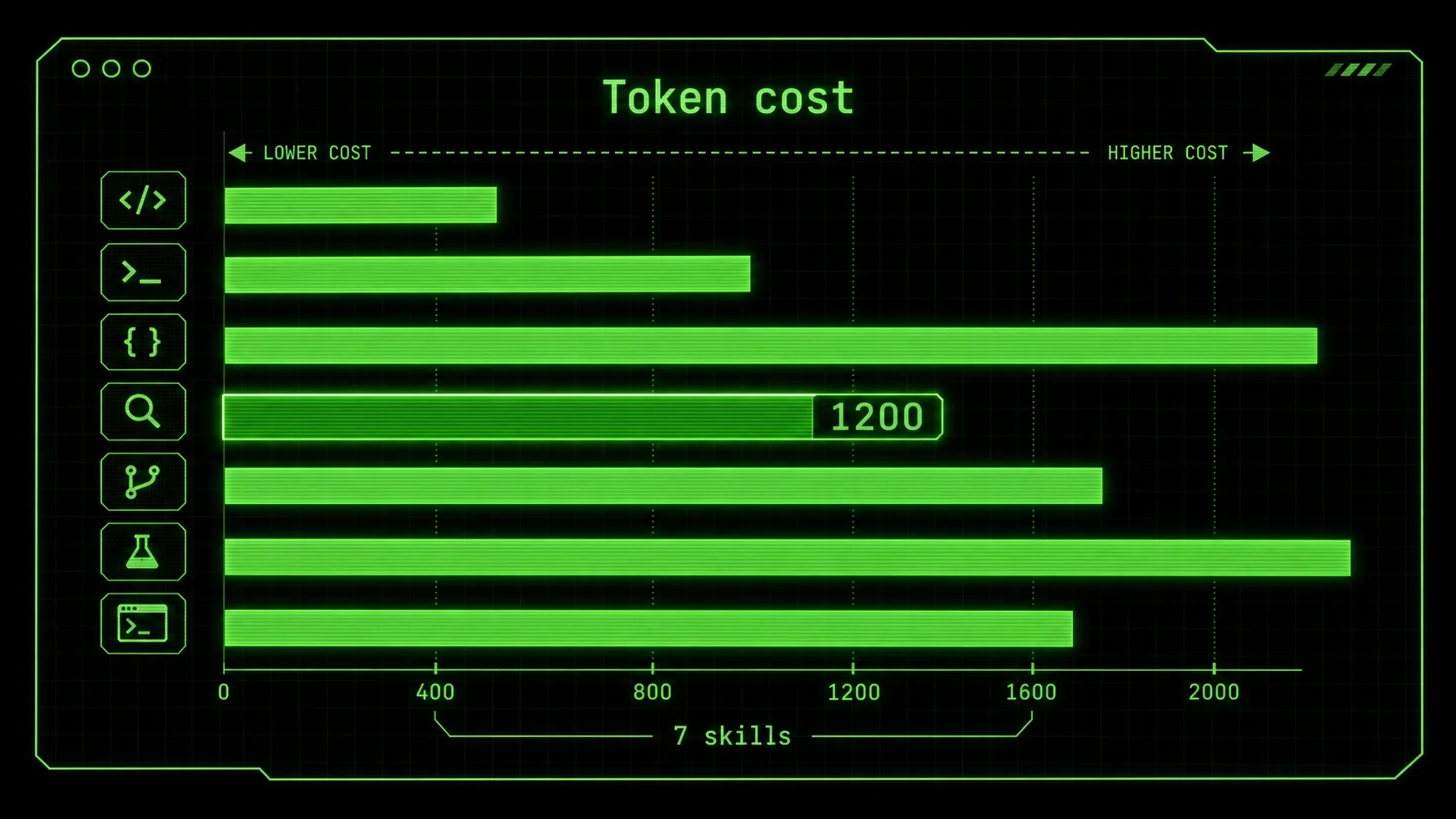
Skills loaded at session start consume context tokens. A well-written SKILL.md costs 800 to 1500 tokens. Ten skills loaded blindly will burn 12 to 15 thousand tokens before you ever type a prompt. That is the central trade-off. Every skill on the list below earns its token budget. Anything that does not should not be installed.
The seven below are ranked by how often I actually invoke them, not by GitHub stars or marketplace position. Stars measure curiosity. Daily usage measures value.
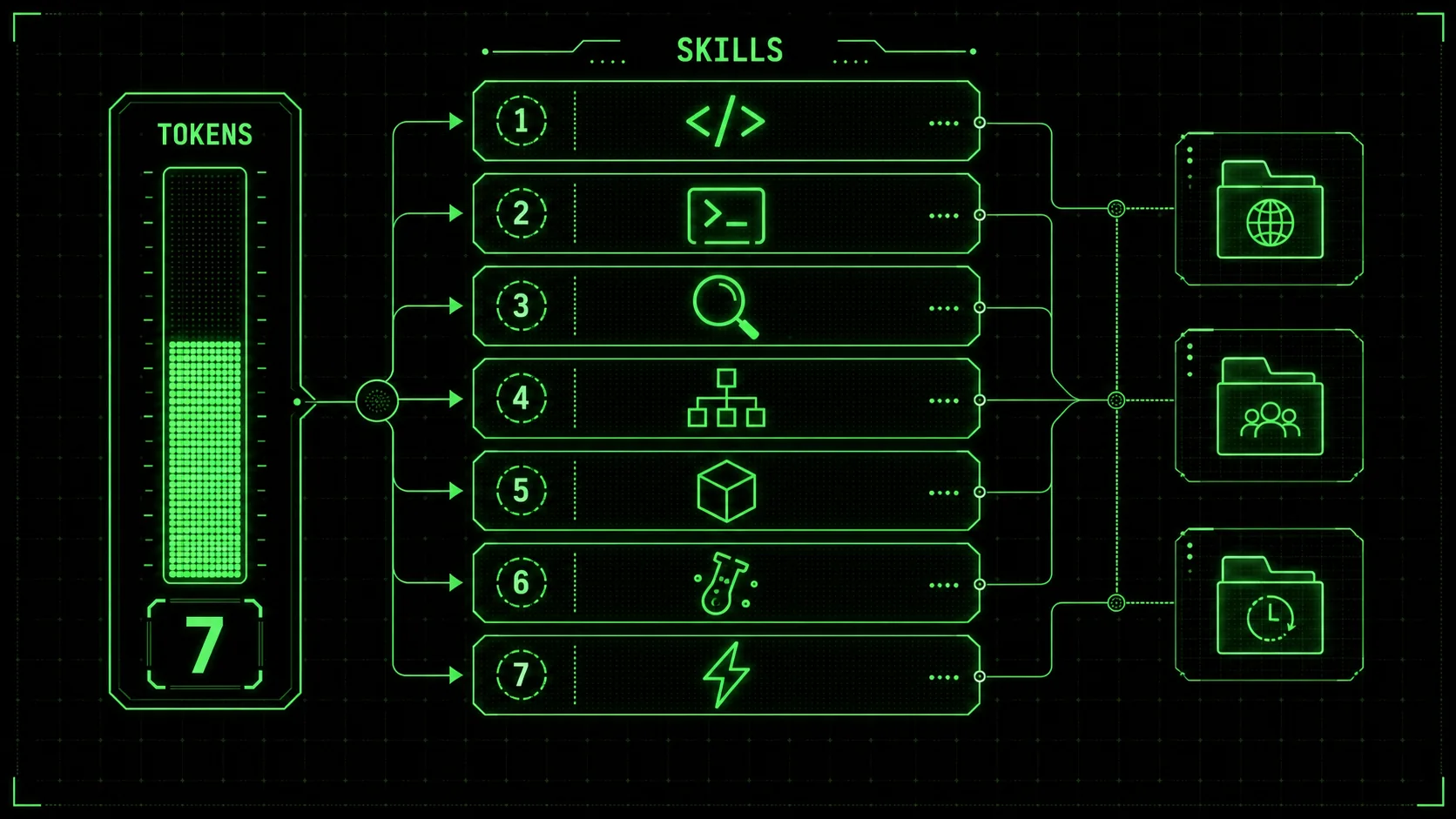
1. Anthropic frontend-design (277K installs)
The flagship. If you ship anything with a UI, this is the first skill you install. Anthropic released frontend-design in late February as part of the official skills catalog, and it became the most-installed skill within four weeks. The reason is simple: it turns Claude Code into a credible frontend designer without forcing you to write a brief.
What it does is generate complete component implementations from natural language descriptions, with awareness of your existing design system. It reads your tailwind.config, your shadcn/ui setup, your existing component patterns, and produces output that matches the visual language already in your repo rather than dropping in a generic Stripe-clone aesthetic.
When it pays off
You are building a marketing landing page from scratch. You have a working component library but need new variations. You want to prototype three layouts in fifteen minutes before committing to one. You inherited a codebase with Tailwind v4 and need new pages that match the existing token system. Any task where the bottleneck is "show me what this could look like" rather than "implement this exact spec."
When it does not
You have a designer attached to the project who delivers Figma files. The skill is great at generating from prose but mediocre at translating pixel-perfect Figma layouts. For high-fidelity translations you still want a Figma-to-code tool layered on top.
Install
claude skills install frontend-designThe skill auto-detects your stack on first invocation. Add a one-line note to your CLAUDE.md if you have unusual conventions, like "All components must use named exports, no default exports." See the CLAUDE.md setup guide for how to wire this in cleanly.
Token cost
Roughly 1400 tokens at session load. Acceptable for any frontend project.
2. Composio SaaS skill (850+ integrations)
Composio shipped their consolidated skill in March, and it is the most ambitious skill on this list. Instead of installing one skill per SaaS tool you want Claude to interact with, Composio wraps over 850 services into a single skill. Slack, Linear, Notion, Stripe, GitHub, Salesforce, Hubspot, Asana, Jira, Monday, Airtable, the long tail of dev-ops tooling, all behind one consistent invocation pattern.
The 2026 Composio top-skills roundup documents the breadth at composio.dev/skills. What makes it survive on my install list is that I no longer have to remember which authentication flow each tool uses. Composio handles OAuth provisioning once, stores credentials in a vault, and from then on Claude can call any of the 850 services through a unified action API.
When it pays off
Your project touches three or more SaaS tools. You want Claude to draft a Linear issue, post a Slack update, and append a row to a Notion database in the same atomic task. You are building internal tooling that bridges multiple platforms. You hate writing one-off integration code and would rather treat external services as callable functions.
When it does not
You only ever talk to GitHub and your own database. Composio is overkill if your integration surface is small, and the token overhead of loading the full action catalog can hurt context-tight sessions. For single-platform work, the dedicated GitHub or Stripe skills are leaner.
Install
npx @composio/cli@latest install --target claude-code
composio auth add slack github linear notion
The first command drops the SKILL.md and supporting scripts into ~/.claude/skills/composio/. The second runs the OAuth flow for the services you actually use. Skip services you do not need, every credential added expands the action catalog Claude has to scan.
Token cost
Variable. Roughly 2200 tokens base plus 400 per authenticated service. For a 5-tool footprint, expect 4200 tokens. That is the highest cost on this list and the reason it ranks second rather than first.
3. Remotion video skill
Most teams ignored video as a Claude Code use case until Remotion shipped their official skill in early March. The skill turns Claude into a programmatic video generator. You describe a 30-second product walkthrough in prose, and it produces a Remotion composition file that compiles into MP4 through the standard Remotion render pipeline.
I used this to ship four product walkthroughs for ralphable.com in the same week, work that would normally have taken a contractor a month. The output is not Pixar-quality, but it does not need to be. For SaaS marketing, social cuts, onboarding tours, or YouTube intros, programmatic video at code speed beats handcrafted video at agency speed.
When it pays off
You ship a SaaS or developer tool and need recurring video content. You want a programmatic way to localize the same video into ten languages by swapping a JSON props file. You have data-driven videos where the visuals depend on the input, like a year-in-review style report per user. You hate the iteration loop of After Effects and want to express animations in JSX.
When it does not
You make cinematic content. You need rotoscoped animation or character work. You produce one polished video per quarter and would rather spend the day in DaVinci Resolve. Remotion shines at templated, repeatable, parameterized video. It does not replace a creative editor.
Install
git clone https://github.com/remotion-dev/claude-skill ~/.claude/skills/remotion
cd ~/.claude/skills/remotion && bun install
The skill ships with a starter Remotion project as a sibling directory. First invocation prompts you for a project root. Point it at a fresh Remotion install or let it scaffold one. Output renders to MP4 through the standard npx remotion render pipeline, no extra setup needed.
Token cost
About 1600 tokens. Reasonable for a niche but high-value capability.
4. Vercel Agent Browser
The Vercel Agent Browser skill landed in the Anthropic catalog the second week of April and is the freshest entry on this list. It gives Claude Code the ability to drive a real Chrome instance through a CDP connection. Not a screenshot scraper, not a headless puppeteer wrapper, but a fully observable browser session with DOM access, network inspection, and console capture.
Use it for end-to-end test debugging, scraping JavaScript-heavy sites, validating that a deployed page actually renders correctly, or letting Claude verify a bug exists before fixing it. The skill maintains a persistent session across multiple Claude turns, so you can drop into a half-completed flow without reauthenticating every step.
When it pays off
You are debugging Playwright tests that pass locally and fail in CI. You want Claude to verify a deployment is up and clicking before declaring a task done. You scrape data from sites that hydrate client-side and break naive HTTP requests. You build agent workflows that need to fill forms, click buttons, or extract content from logged-in sessions.
When it does not
You only test pure-API code. The browser overhead is wasted. Anything you can do with curl or fetch belongs in a lighter skill. Also, the skill needs a Chrome installation on the machine running Claude Code, which adds a few hundred megabytes if you do not already have one.
Install
git clone https://github.com/vercel/agent-browser-skill ~/.claude/skills/vercel-agent-browser
~/.claude/skills/vercel-agent-browser/scripts/install-chrome.sh
The install script downloads a managed Chrome binary and registers it under ~/.claude/skills/vercel-agent-browser/.chrome/. Edit settings.json to allow Bash invocations of that path so the skill can launch the browser without confirmation prompts:
{
  "permissions": {
    "allow": [
      "Bash(~/.claude/skills/vercel-agent-browser/.chrome/*)"
    ]
  }
}
Token cost
Roughly 1900 tokens. Steeper than average because the skill includes a CDP API reference inline.
5. Ralph Loop Skills Generator
I will not pretend to be neutral on this one, ralphable.com publishes the Ralph Loop methodology, but it earns a slot on the list because it solves the meta problem the rest of these skills create. As your skill library grows, you accumulate one-off SKILL.md files for project-specific workflows that nobody else will ever use. The Ralph Loop generator helps you author those.
You describe a workflow in prose. The generator decomposes it into atomic tasks with explicit pass/fail criteria, formats it as a valid SKILL.md, and validates the result against the harness schema. It is the meta-skill, the skill that helps you write skills.
When it pays off
You have a repetitive workflow you do five times a week and want to encode it. You inherited a project with tribal knowledge that lives only in your head. You want to ship a skill to your team but cannot decide what shape the SKILL.md should take. You burned out trying to write one from scratch and abandoned three drafts.
When it does not
You only consume off-the-shelf skills and never author your own. The skill becomes dead weight in that case.
Install
git clone https://github.com/ralphable/skills-generator ~/.claude/skills/ralph-loop-generatorOr generate a skill in-browser at ralphable.com/generate without installing anything locally if you want to see the output before committing to the SKILL.md format. The generator uses the same Ralph Loop atomic task pattern documented in the autonomous debugging guide.
Token cost
About 1100 tokens. Lean by design.
6. shadcn/ui registry skill
A small but high-impact skill from the shadcn maintainers. The official skill exposes the entire shadcn registry to Claude Code as a structured catalog. Instead of asking Claude to "make a button" and getting a hand-rolled implementation, you can tell it "use the shadcn button" and the skill installs the right component, wires up the imports, and matches your existing tokens.
The reason this earned a slot is that 80 percent of frontend tasks in 2026 boil down to "compose existing components together." The shadcn registry skill removes the temptation for Claude to invent a new variant when a registered one already does the job.
When it pays off
Your project uses shadcn/ui or any shadcn-compatible registry. You want Claude to add new shadcn components without you having to remember the install command for each. You maintain a private internal component registry and want Claude to use it. You use Tailwind v4 and want components that match your token setup.
When it does not
You hand-roll all your components or use a different design system entirely. The skill is shadcn-specific.
Install
npx shadcn@latest skill install --target ~/.claude/skills/The skill respects your existing components.json and will add components into the directory you have already configured. Pair it with frontend-design above for a complete UI generation flow.
Token cost
Roughly 900 tokens. The leanest entry on this list.
7. Anthropic test-runner skill
Underrated, almost no chatter on social media, and yet it has saved me hours every week since I installed it. The test-runner skill from Anthropic takes the dance of "Claude writes a test, runs it, checks the output, fixes the implementation, runs again" and turns it into a single atomic loop with built-in retry logic.
Without the skill, you ask Claude to write tests and you get the tests but not the verification. With the skill, the loop is closed. Claude writes the test, runs it through your test runner, parses the output, and iterates until the test passes or it gives up and tells you why. The pass/fail criteria are explicit and parseable.
When it pays off
You practice TDD or want to. You have a test suite and want Claude to add coverage without you babysitting every iteration. You want autonomous Claude Code sessions that produce code with passing tests, not just code that compiles. You hate the manual loop of running tests, copy-pasting failures back into Claude, and asking for a fix.
When it does not
You have no tests and no plans to add any. The skill is useful only when there is a runnable test command.
Install
claude skills install test-runnerConfigure the test command in settings.json so the skill knows what to invoke:
{
  "skills": {
    "test-runner": {
      "command": "bun test",
      "watchPattern": "src/*/.test.ts"
    }
  }
}
The skill respects the watch pattern when it iterates, so it only runs the tests affected by Claude's changes rather than the full suite every cycle.
Token cost
About 1200 tokens. Worth every one.
What did not make the list
Many skills I tried lost their slot before this article published. A few were close but did not quite earn it.
The Notion sync skill was helpful for one project but redundant once Composio shipped. The various "code review" skills overpromised and underdelivered, every one I tried produced surface-level review comments that a competent linter would catch. The "agent" skills that orchestrate other agents added complexity without solving a problem I actually had. The marketplace is full of these. Be skeptical.
A few I am watching but have not promoted yet. The Anthropic database skill, currently in beta, looks promising for direct Postgres operations but is too rough to recommend. A community fork of the Composio skill called "composio-lite" trims the action catalog to a curated subset, useful if Composio's token cost is too high. A new Vercel deployment skill that lets Claude push directly to your Vercel project without going through git is interesting but raises blast-radius questions.
Bookmark the Claude skills hub for follow-up coverage as these stabilize.
How to manage a growing skill collection
Once you cross five installed skills, organization becomes a real concern. Here are the rules I follow.
Project-scope before global-scope. Install a skill in the project's .claude/skills/ first. Promote it to ~/.claude/skills/ only after you have used it across at least three projects. Most skills lose their slot during this trial period, and you will never miss them. One skill per category. Do not install two frontend skills, two test skills, or two integration skills. They will fight for the same activation triggers and Claude will pick the wrong one half the time. If you find a better skill for a category, replace, do not stack. Audit quarterly. Open ~/.claude/skills/ once a quarter and ask yourself, "have I used this in the last 90 days?" If no, delete. The marketplace cycles fast and yesterday's killer skill is often today's deadweight. Pin versions in production projects. Skills update. Updates can break workflows. For production codebases, vendor the skill into .claude/skills/ rather than relying on the global cached version. This protects you from a maintainer shipping a breaking change overnight. Read the SKILL.md before you install. Every skill on this list has a clean, scannable SKILL.md. If you cannot understand what a skill does in 90 seconds of reading its SKILL.md, do not install it. The failure mode of confusing skills is that Claude triggers them at the wrong time and you waste a session debugging your own tooling.Pairing skills with autonomous execution
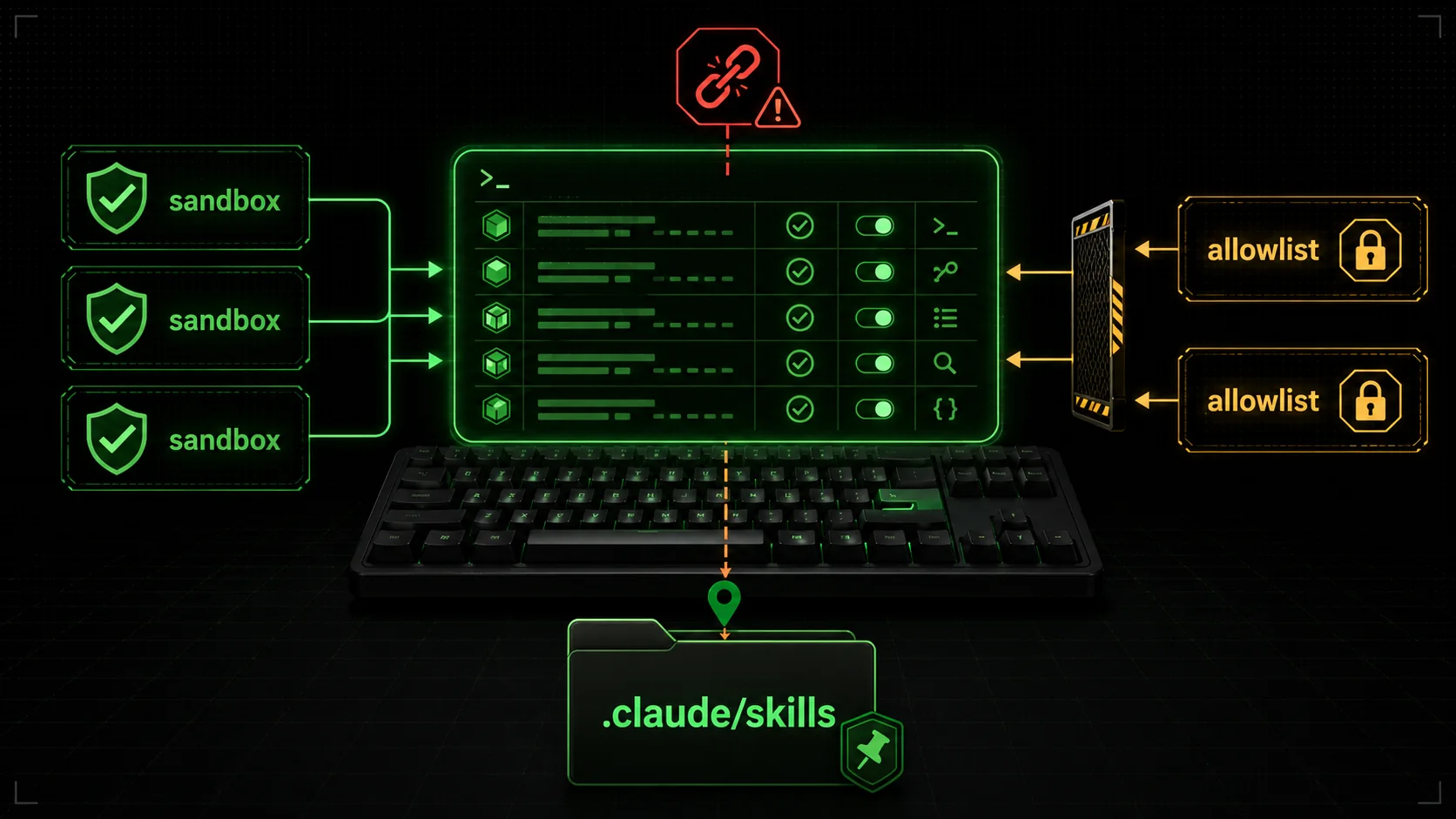
Several of these skills shine in autonomous mode, where Claude Code runs without per-step confirmation prompts. The frontend-design, test-runner, and shadcn skills are read-mostly and pair well with --dangerously-skip-permissions in a sandboxed worktree. Composio and Vercel Agent Browser have larger blast radius, so I run them with a scoped allowlist instead.
The pattern that works for me is a settings.json snippet per project:
{
  "permissions": {
    "allow": [
      "Edit",
      "Write",
      "Bash(bun test*)",
      "Bash(npx remotion render*)",
      "Bash(git diff*)",
      "Bash(git status*)"
    ]
  }
}
Then I run claude --dangerously-skip-permissions only inside disposable git worktrees where a bad output cannot pollute main. The atomic task patterns from the autonomous debugging guide compose well with this. Each skill provides the implementation, the atomic task provides the pass/fail boundary, the worktree provides the safety net.
The shape of skill discovery in 2026
A quick observation on where this is heading. In 2025, you discovered Claude Code workflows by reading prompt-engineering blog posts and copy-pasting templates. In April 2026, you discover them by browsing a skill marketplace and clicking install. The center of gravity moved from prose to packaged executables.
That shift creates two new failure modes to watch for. First, skill maintainers can quietly change behavior across a version bump, the same risk that npm has had since the beginning. Second, the marketplace becomes a target for low-effort SEO entries that promise the world and deliver a thin wrapper around a single prompt. Both problems are solvable, but they require the same vigilance you bring to any other dependency.
Stick to skills with named maintainers. Read the SKILL.md before you install. Trial in a side project. Audit quarterly. Replace, do not stack. The rest follows.
FAQ
What is a Claude Code skill?
A Claude Code skill is a packaged SKILL.md file plus optional scripts that Anthropic loads into the model context the moment a session starts. Think of it as a reusable playbook that teaches Claude how to perform a specific task: design a frontend, generate a video, scrape a SaaS API, or run a browser. Skills live in ~/.claude/skills/ globally or .claude/skills/ per project.
How do I install a Claude Code skill?
Most skills install through one of three paths. First, the Anthropic-hosted catalog: claude skills install <name>. Second, a git clone into ~/.claude/skills/<name>/ followed by a restart of Claude Code. Third, a one-line npx or bun add for community plugins. The Anthropic frontend-design skill and the Composio skill ship via the official catalog, while Remotion and Vercel Agent Browser still require a manual clone.
Will skills slow down Claude Code sessions?
Loaded skills consume context tokens at session start. A lean SKILL.md under 200 lines costs roughly 800 to 1500 tokens. Stack ten skills and you sacrifice 10 to 15 thousand tokens before the first prompt. The fix is to scope skills per project rather than installing everything globally. Use ~/.claude/skills/ only for the two or three you reach for daily.
Are these skills safe to run with --dangerously-skip-permissions?
Some are, some are not. Read-only skills like frontend-design only generate code, so they pair well with a permissionless flow. Skills with browser control such as Vercel Agent Browser, or write access to external SaaS such as Composio, should run inside a sandboxed allowlist in settings.json rather than a blanket bypass. Always check the skill repository for the documented permission boundary before flipping the dangerous flag.
Where can I find more skills beyond this list?
The Anthropic skill marketplace exposes the official catalog with verified maintainers. Composio and Vercel maintain their own registries for SaaS and agent tooling respectively. For independent skills, the community-curated lists on GitHub topics tagged claude-skill or anthropic-skill surface new releases weekly. Ralph Loop Skills Generator at ralphable.com helps you build your own skill from scratch when nothing on the shelf fits.
How does Anthropic decide which skills get featured?
Anthropic's official catalog at the time of writing surfaces skills based on install count, maintainer verification, and a manual review for production readiness. Frontend-design hit 277 thousand installs by mid-April because it shipped on day one of the catalog and solved a universal need. Newer skills like Vercel Agent Browser are climbing fast as more developers discover them. Browse the catalog directly at the Anthropic skills page or read the Composio top-skills roundup for cross-platform coverage.
Can I write my own skill if nothing on this list fits?
Yes, and you should. Skills are just SKILL.md files with optional scripts. The shape is documented in Anthropic's skill spec, and the Ralph Loop Skills Generator at ralphable.com/generate automates the boilerplate so you can focus on the content. Most teams I talk to ship at least one private internal skill within a month of starting with Claude Code. The ones that resist this end up rewriting the same prompts every session.
Wrap
The seven skills above are the ones I would not give up. Not the most popular, not the highest-starred, just the ones that have earned a permanent slot in my Claude Code config across six weeks of trial and error. Your mileage will vary on the specifics, but the audit pattern transfers. Trial in a side project. Measure how often you actually invoke. Cut what you do not.
If you want help authoring your own skill rather than picking from the shelf, generate one with Ralph Loop. For the broader landscape of Claude tooling, see the Claude hub. For the autonomous task patterns these skills sit on top of, the atomic debugging guide is the prerequisite read.
The marketplace will keep growing. April was the inflection. By the end of 2026, the question will not be "which skills should I install" but "which ten percent of the catalog deserves a slot in my config." Get good at the audit now and the rest takes care of itself.
<!-- sister-projects-start -->
Other Doved Studio projects
Related tools from the same studio you might find useful:
- Glean: Turn scrolling time into a daily action plan. Capture, process, execute.
- Popout: Create your portfolio in minutes with a single shareable page.
- Larpable: Spot fake founders, guru grifts, and performance entrepreneurship.
- Doved Studio: Studio indie derrière cette app et une dizaine d'autres outils.
ralph
Building tools for better AI outputs. Ralphable helps you generate structured skills that make Claude iterate until every task passes.